How to boot ifs-emergency.ifs (start blue emergency EFU)
Stop IPL by sending break on power on
In CLI prompt, enter "boot -t emerg" to start Emergency IFS which loads from ifs-emergency.ifs of RCC NOR partition
Emergency IFS runs in two modes:
- 1st boot
- 2nd boot
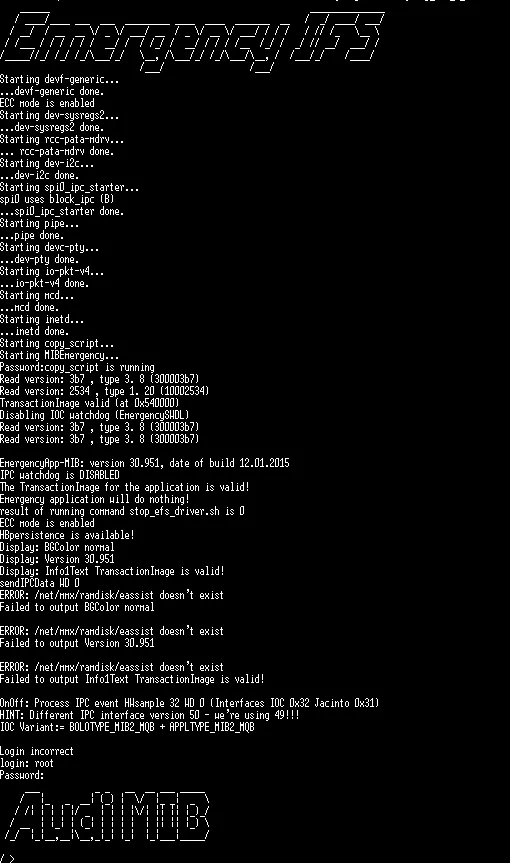
Example of the Emergency IFS 1st boot:
After 60 seconds on the 2nd boot, Emergency IFS detects that it was rebooted, switches off IOC watchdog, shows a special banner and starts it's own countdown timer:
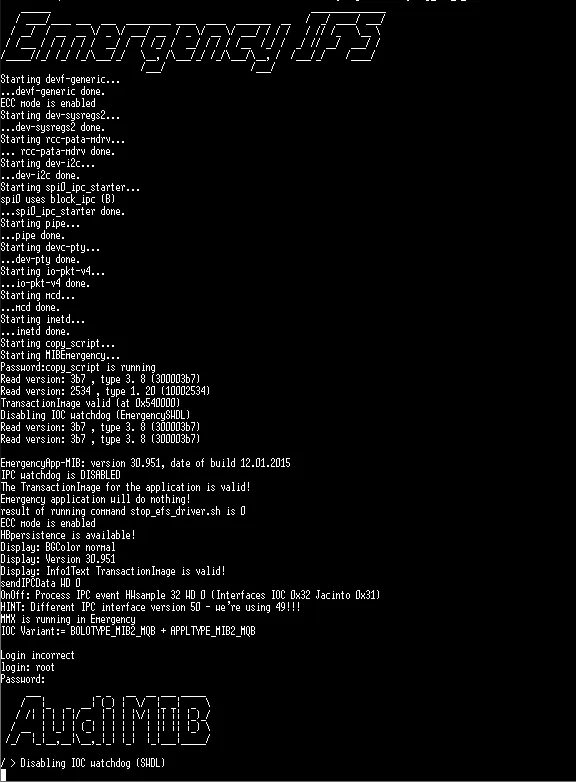
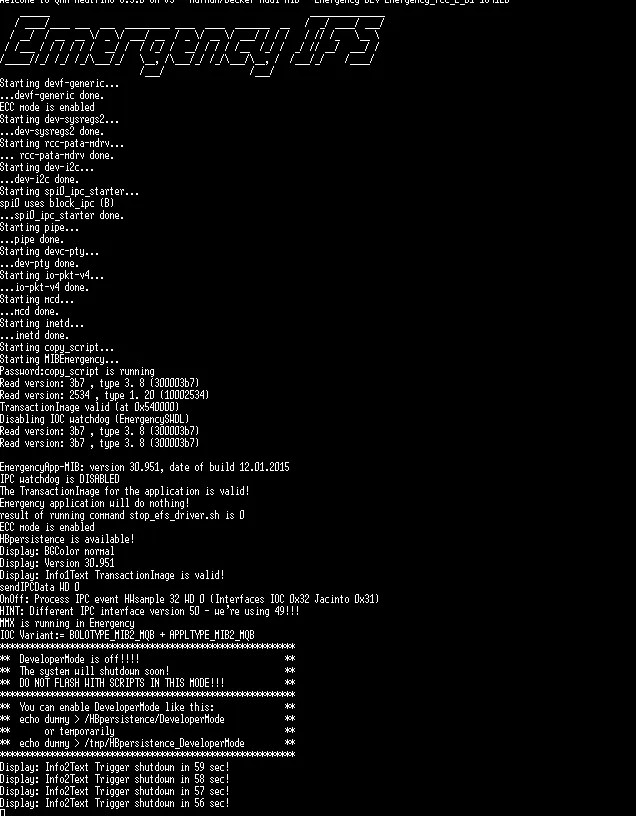 If DeveloperMode is off (by default), to stop Emergency IFS't timer from rebooting, you have to login via root with RCC emergency password and enter:
"slay -9 MIBEmergency"
After this you have unlimited time to fix stuff ;)
Enabling DeveloperMode in Emergency IFS
***********************************************************
**  You can enable DeveloperMode like this:              **
**  echo dummy > /HBpersistence/DeveloperMode            **
**       or temporarily                                  **
**  echo dummy > /tmp/HBpersistence_DeveloperMode        **
***********************************************************
This commands can be entered in Emergency IFS on 1st boot, 2nd boot and even in normal boot mode too:
mount -uw /net/rcc/mnt/efs-persist
echo dummy > /HBpersistence/DeveloperMode
Community content mirrored from mibwiki.one. Always make a backup before flashing or coding a unit.